
Your homepage is the first thing most visitors see. In fact, they decide within seconds whether to stay or leave. Therefore, website homepage design matters for both users and search engines. A clear, fast, and well-structured homepage builds trust, improves rankings, and turns visitors into leads.
In this guide, you will learn what a great homepage needs and how to structure it. Additionally, you will see which mistakes to avoid. Let’s get started.
Why Website Homepage Design Matters for SEO
First, your homepage usually earns the most backlinks and traffic. As a result, Google treats it as the core page of your site. Consequently, a weak homepage can hold back every other page.
Good website homepage design helps in three ways:
- Better user signals: For example, clear layouts reduce bounce rate and increase time on site.
- Easier crawling: In addition, a logical menu helps Google find and understand your pages. See Google’s SEO Starter Guide for the basics.
- Higher conversions: Likewise, visitors who find what they need quickly are more likely to contact you.
10 Must-Have Elements of Website Homepage Design
Next, let’s look at the elements every strong homepage needs. Moreover, each one supports both usability and SEO.
1. A Clear Headline (H1)
First, tell visitors what you do and who you help in one line. Also, include your main keyword naturally. For example, “Modern WordPress Websites for Medical Clinics” works well.
2. A Simple Navigation Menu
Keep your menu short, ideally 5–7 items. Besides, use plain labels like “Services,” “Portfolio,” and “Contact.” Otherwise, clever names will confuse people.
3. A Strong Call to Action (CTA)
Every homepage needs one main action above the fold. For instance, “Get a Free Audit” or “Book a Call” both work. Additionally, repeat the CTA further down the page.
4. Services or Product Overview
Show your top 3–4 services with short descriptions and links to detail pages. For instance, our business website design page explains what a full build includes.
5. Social Proof
Reviews, ratings, and client logos build trust fast. Therefore, place them close to your CTA. Moreover, real and specific testimonials work better than generic praise.
6. Case Studies or Portfolio
Show real results with numbers, such as “page speed improved from 44 to 83.” After all, proof beats promises every time.
7. Pricing or “How It Works”
Transparent pricing or a simple 3-step process removes doubt. Consequently, visitors feel confident reaching out.
8. Mobile-First Layout
Most visitors browse on phones. So, design for small screens first, then scale up. Furthermore, Google uses mobile-first indexing, as explained in its mobile-first indexing guide.
9. Fast Loading Speed
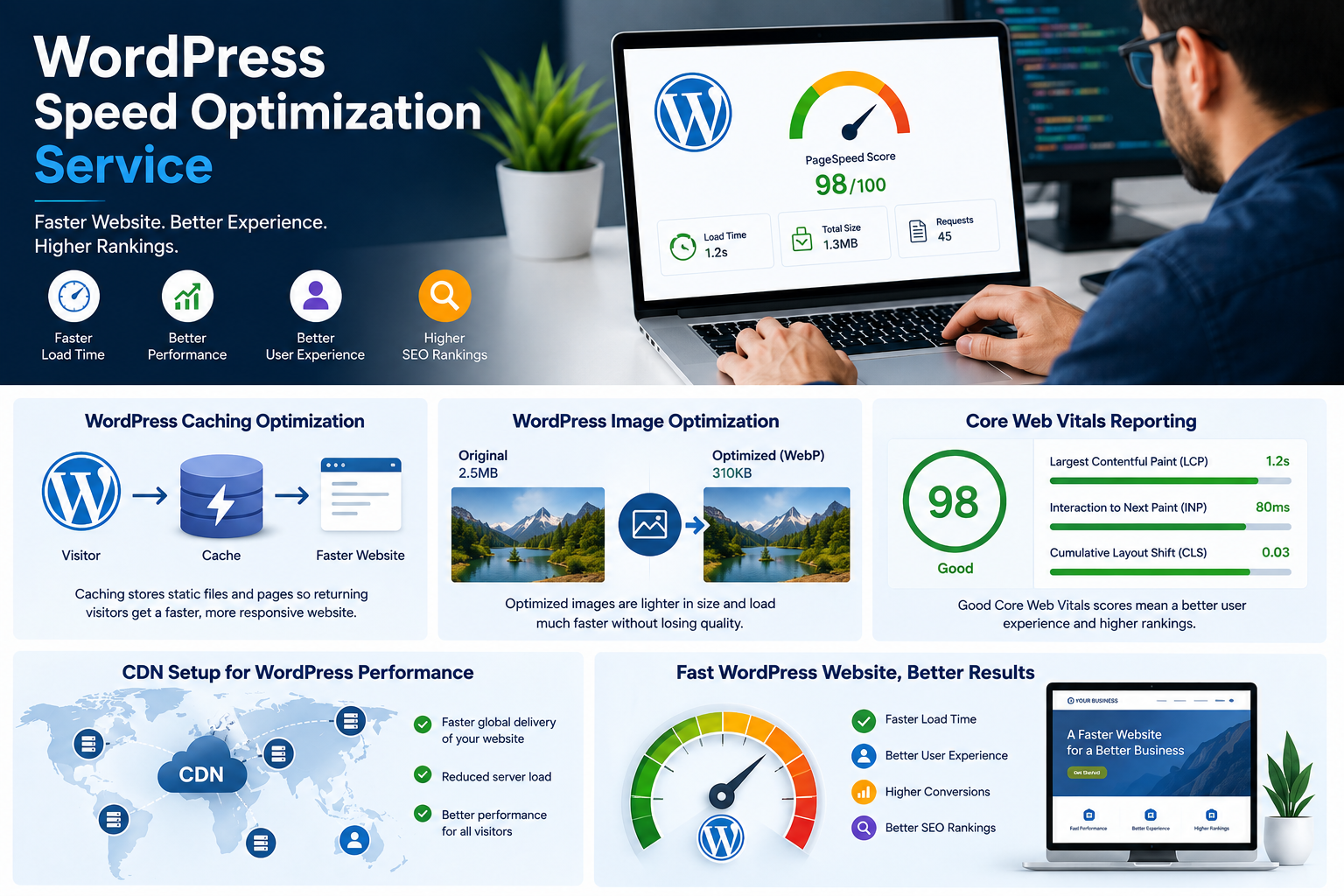
Speed is part of Google’s page experience signals. Therefore, aim for strong Core Web Vitals, which you can learn about on web.dev. In practice, compress images, use caching, and limit heavy scripts.
10. Trust-Focused Footer
Include your address, phone, email, social links, and legal pages. In short, a complete footer signals that you are a real, reliable business.
Recommended Website Homepage Design Layout
Now, here is a simple structure that works for most business websites. Overall, it guides visitors from interest to action.
| Section | Purpose | Tip |
|---|---|---|
| Hero (H1 + CTA) | Explain your offer fast | Keep it under 15 words |
| Services | Show what you sell | Link to each service page |
| About / Why Us | Build trust | Use 3–5 bullet points |
| Case Studies | Prove results | Add real numbers |
| Pricing / Process | Remove doubt | Be transparent |
| Testimonials | Social proof | Use names and photos |
| FAQ | Answer objections | Add FAQ schema |
| Final CTA + Footer | Capture leads | Repeat the main action |
Website Homepage Design SEO Best Practices
Design and SEO work together. Therefore, follow these steps to get both right:
- Use one H1 only: Also, include your focus keyword naturally.
- Write a clear title and meta description: For example, keep the title under 60 characters and the description under 160.
- Add descriptive alt text: Similarly, describe each image honestly.
- Link internally: In addition, point to your key service and blog pages.
- Add schema markup: As a result, Google understands your brand better.
- Keep content fresh: Meanwhile, update reviews, case studies, and offers regularly.
For clinics and healthcare brands, trust signals matter even more. In fact, you can see this in practice on our medical clinic website design page.
Common Website Homepage Design Mistakes
Even good businesses make avoidable errors. Below are the most common ones.
- Too much text: Long paragraphs push people away. Instead, use short sections and bullet points.
- No clear CTA: If visitors don’t know the next step, they leave.
- Slow sliders and videos: Unfortunately, they hurt speed and rarely help conversions.
- Stock-photo overload: However, real photos build more trust.
- Ignoring accessibility: Low contrast and tiny text frustrate users. Therefore, follow the WCAG guidelines as a baseline.
- Inconsistent messaging: Finally, your headline, pricing, and delivery times should always match.
To sum up, here is a quick comparison of good and poor homepage practices. As a result, you can spot weak areas on your own site faster.
| Area | Poor Homepage | Good Homepage |
|---|---|---|
| Headline | Vague or generic | Clear offer with a keyword |
| CTA | Hidden or too many | One main action, repeated |
| Navigation | 10+ confusing links | 5–7 simple labels |
| Speed | Heavy images and sliders | Optimized, loads under 2.5s |
| Trust | No reviews or proof | Reviews, case studies, real photos |
| Mobile | Tiny text, hard-to-tap buttons | Mobile-first, easy to use |
| SEO | No internal links or schema | Internal links and schema added |
Quick Website Homepage Design Checklist
Before you publish, use this list to review your page. Afterward, test it again every few months.
- Clear H1 with your main keyword
- One main CTA above the fold
- 5–7 item navigation menu
- Reviews and case studies visible
- Mobile-friendly and fast (Core Web Vitals passing)
- Optimized title, meta description, and alt text
- Internal links to key pages
- Schema markup added
Frequently Asked Questions About Website Homepage Design
What should a website homepage include?
A strong homepage includes a clear headline, navigation, CTA, services overview, social proof, case studies, FAQs, and a complete footer. Together, these elements build trust quickly.
How long should a homepage be?
There is no fixed length. However, most business homepages work well with 500–1,000 words. Still, each section needs a clear purpose.
Does website homepage design affect SEO?
Yes, it does. Layout, speed, mobile usability, and internal links all influence how Google and users experience your site. Therefore, design choices directly affect rankings.
How many CTAs should a homepage have?
Use one primary CTA and repeat it 2–3 times down the page. Otherwise, too many different actions confuse visitors.
How much does professional website homepage design cost?
Costs vary by scope and features. For example, a basic landing-style homepage can start around $99. In contrast, custom designs with advanced features cost more.
Should I use a slider on my homepage?
Usually, no. Sliders slow down your site and often get ignored. Instead, a single strong hero section performs better.
What is the best homepage layout for a small business?
A simple top-to-bottom layout works best. First, show a hero section with a CTA. Then, add services, proof, pricing, FAQs, and a final CTA.
How fast should a homepage load?
Ideally, your homepage should load in under 2.5 seconds on mobile. Therefore, compress images, enable caching, and avoid heavy scripts.
What is the difference between a homepage and a landing page?
A homepage introduces your whole business and guides visitors to different pages. In contrast, a landing page focuses on one offer and one action.
Which keywords should I target on my homepage?
Target one primary keyword that describes your main service and location. Additionally, support it with a few related terms, such as “web design agency” or “clinic website design.”
How often should I update my homepage?
Review it at least every 3–6 months. Meanwhile, refresh reviews, case studies, pricing, and offers whenever they change.
Is a video on the homepage a good idea?
It can be, if it is short and optimized. However, large videos slow down loading. Therefore, compress the file or use a lightweight embed.
How do I make my homepage design mobile-friendly?
Start with a mobile-first layout, use readable font sizes, and make buttons easy to tap. Also, test your page on real devices and in Google’s tools.
Why is my homepage not ranking on Google?
Common causes include thin content, slow speed, weak internal links, and missing keywords. Besides, new sites need time to build authority, so be patient and keep improving.
Can I redesign my homepage without losing SEO rankings?
Yes, but plan carefully. Keep your URLs, headings, and key content intact. Moreover, set up 301 redirects if any URLs change, and monitor rankings after launch.
Final Thoughts
Great website homepage design combines clear messaging, fast performance, and smart SEO. So, focus on the 10 elements above and avoid the common mistakes. Then, test your page regularly. Over time, small improvements can lead to higher rankings and more leads.
Need a homepage that looks great and ranks well? Contact Web Dream Agency for a free website audit.