Elementor Website Design: Complete Guide to Building a Professional Website
Elementor website design makes it easier to build a professional, responsive, and SEO-friendly WordPress website. Instead of writing complex code, you can use a visual editor to create and customize website pages. Therefore, Elementor is a practical choice for businesses, freelancers, agencies, bloggers, and service providers.
Moreover, a successful website needs more than an attractive design. It should also load quickly, work well on mobile devices, provide clear navigation, and help visitors take action. For this reason, this guide explains how to plan, build, optimize, test, and maintain a professional Elementor website from start to finish.
What Is Elementor Website Design?
Elementor website design is the process of creating WordPress websites using the Elementor visual website builder. With Elementor, you can build page layouts visually instead of manually writing every part of the website.
For example, you can create sections for your hero area, services, about section, portfolio, testimonials, FAQ, and contact information. In addition, Elementor provides responsive controls, reusable templates, forms, and other tools that can make website development more efficient.
As a result, Elementor website design can help beginners and professionals create websites more quickly while maintaining control over the visual appearance.
Elementor Website Design: Website Types and Their Purpose
Before starting your Elementor website design, you should first understand the purpose of your website. Different websites require different structures and content.
| Website Type | Main Purpose |
|---|---|
| Business Website | Present a company, services, and contact information |
| Portfolio Website | Display projects, skills, and previous work |
| Landing Page | Promote one product, service, or campaign |
| E-commerce Website | Sell products or services online |
| Blog Website | Publish articles, news, and educational content |
| Service Website | Promote professional or local services |
Therefore, choosing the correct website structure helps you create a better experience for your visitors.
How to Plan Your Elementor Website Design
Planning should come before design and development. Otherwise, you may create unnecessary sections or make changes repeatedly during development.
Define Your Elementor Website Goals
First, determine what you want your website to achieve. For example, your goal may be to generate leads, sell products, receive appointment bookings, showcase your portfolio, or provide information.
Next, identify your target audience. Understanding your visitors helps you choose the right content, layout, images, and calls to action.
Choose the Right Pages for Your WordPress Website
A professional business website commonly includes:
- Home
- About
- Services
- Portfolio or Case Studies
- Blog
- FAQ
- Contact
However, you do not always need every page. Instead, select pages according to your business goals and audience.
Create a Clear Website Call to Action
A call to action tells visitors what to do next. For example, you can use buttons such as “Get a Free Quote,” “Book a Call,” “Contact Us,” or “View Our Services.”
Furthermore, placing clear calls to action throughout your Elementor website design can make it easier for visitors to take the next step.
How to Set Up WordPress for Elementor Website Design
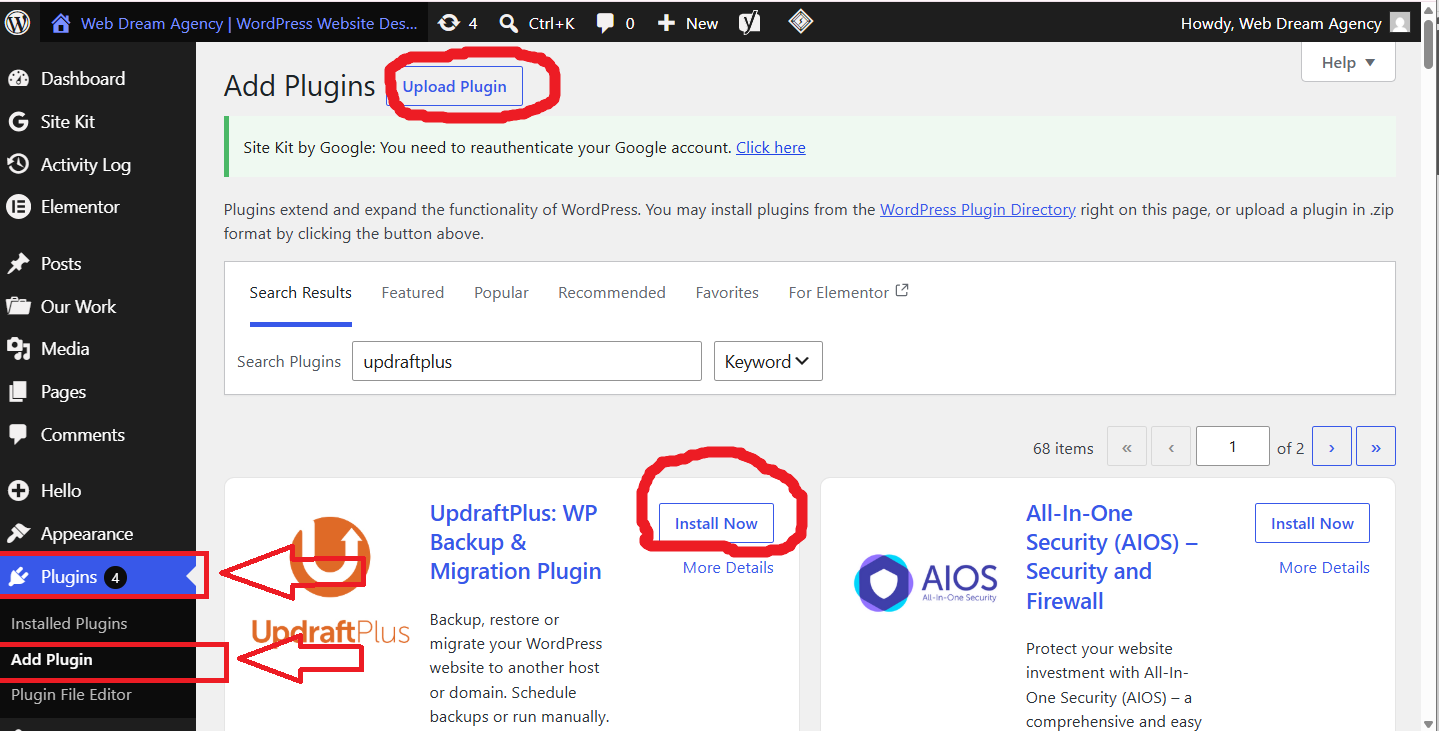
First, install WordPress on your hosting account. Then, select a suitable WordPress theme and install Elementor.
After that, configure your website settings, including the site title, logo, menus, and basic information. Next, create the main website pages.
Additionally, keep your WordPress installation, theme, and plugins updated. This can help maintain website security, compatibility, and performance.
How to Build an Elementor Website Layout
Once your WordPress setup is ready, you can start building the page layout.
Build the Hero Section
The hero section is usually the first major section visitors see. Therefore, it should clearly communicate what your business offers.
A strong hero section can include:
- A clear headline
- A short description
- A primary call-to-action button
- A secondary button
- A relevant image or visual
For example, a business website might use a headline explaining its main service and then direct visitors to request a quote.
Add a Services Section
Next, explain your main services. Keep each service description short and easy to understand.
Moreover, use consistent layouts for service cards so visitors can quickly compare different offerings.
Add an About Section
After introducing your services, explain who you are and why visitors should trust your business.
You can include your experience, mission, values, or unique advantages. However, avoid making this section unnecessarily long.
Add Portfolio and Case Studies
If you have completed projects, showcase them in a portfolio section. For example, you can display project screenshots, descriptions, challenges, and results.
As a result, potential customers can better understand the quality of your work.
Add a Final Call to Action
Finally, give visitors another opportunity to take action. A strong CTA section can encourage visitors to contact you, request a quote, or book a consultation.
Elementor Website Design: Essential Website Sections
A professional Elementor website design should include the sections that support the website’s goals.
| Section | Purpose |
|---|---|
| Hero | Introduce the business and primary offer |
| About | Build trust and explain the business |
| Services | Explain products or services |
| Portfolio | Demonstrate previous work |
| Testimonials | Provide social proof |
| FAQ | Answer common questions |
| Contact | Help visitors get in touch |
| Footer | Provide navigation and important information |
However, the exact structure should depend on the website type and business objectives.
How to Create a Consistent Elementor Website Design
Consistency makes a website easier to understand. Therefore, choose your typography, colors, buttons, spacing, and visual elements carefully.
Use Global Typography
First, select your main font styles. Define consistent settings for headings, paragraphs, and buttons.
Then, use those styles throughout the website. This approach helps maintain a professional visual identity.
Use Consistent Buttons and Spacing
Similarly, keep button styles consistent across different pages. Use the same or similar padding, typography, border radius, and visual treatment.
In addition, maintain consistent spacing between sections. As a result, your website will look cleaner and more organized.
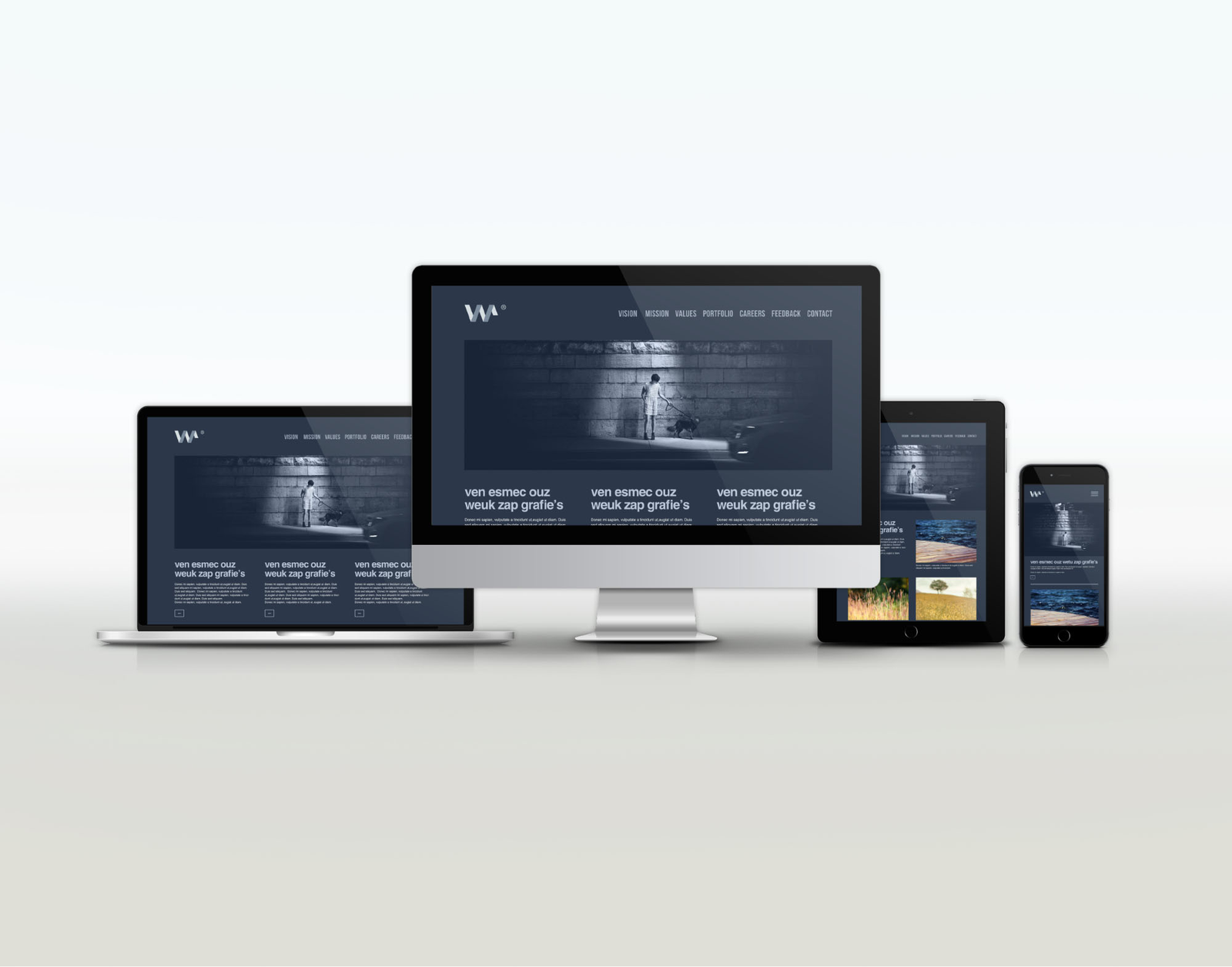
How to Make Your Elementor Website Design Mobile Responsive
A website should work properly on smartphones, tablets, laptops, and desktop computers. Therefore, responsive design is an essential part of Elementor website design.
First, check how each section looks on smaller screens. Next, adjust font sizes, spacing, columns, images, and buttons where necessary.
For example, a three-column desktop layout may need to become a single-column layout on mobile. Similarly, large headings may need smaller font sizes.
Moreover, always test important pages on different screen sizes before launching the website.
How to Add Contact Forms to an Elementor Website
Contact forms allow visitors to communicate with your business directly. Therefore, add forms to your contact page and, when appropriate, to landing pages.
A useful contact form may request:
- Name
- Email address
- Phone number
- Service or project type
- Message
However, avoid asking for unnecessary information. A shorter form can make it easier for visitors to submit their requests.
In addition, use spam protection and test email delivery before launching your website.
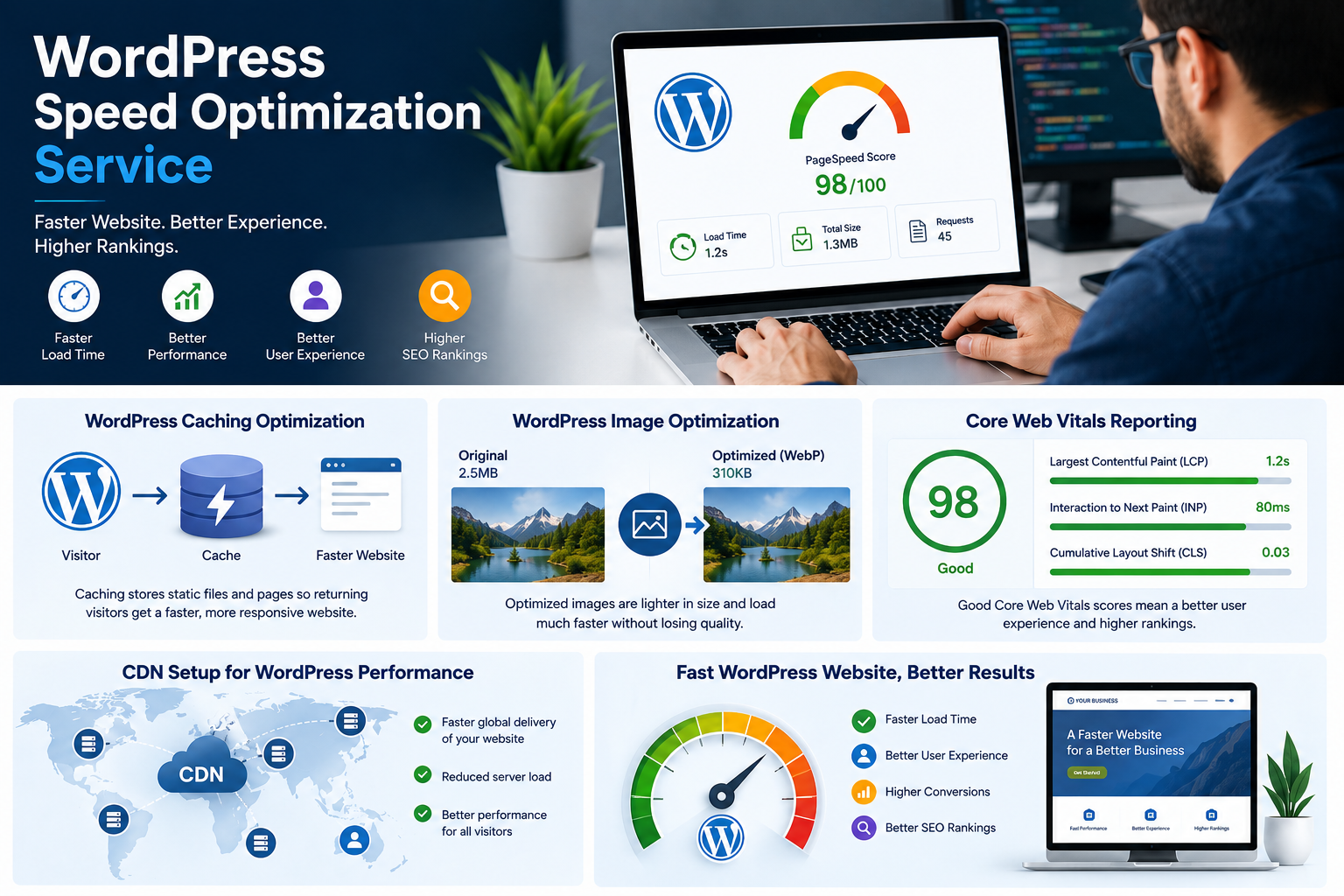
How to Improve Elementor Website Performance
Website speed affects user experience. Therefore, performance optimization should be part of your Elementor website design process.
Optimize Images
First, compress large images before uploading them. Use appropriate image dimensions and modern formats when supported.
Large, unoptimized images can increase page loading time. As a result, image optimization can improve overall performance.
Avoid Unnecessary Elements
Next, remove widgets, animations, plugins, and design elements that do not provide real value.
Although animations can make a website more engaging, too many animations can make pages feel slower or distracting.
Use Caching
Caching can help websites serve previously generated content more efficiently. Therefore, configure an appropriate caching solution for your WordPress website.
Test Website Speed
Finally, test your website after optimization. Check important pages on both desktop and mobile devices.
If a page remains slow, review large images, unnecessary scripts, plugins, and other performance-related elements.
How to Optimize Elementor Website Design for SEO
SEO helps search engines understand your website and its content. Therefore, SEO should be considered during Elementor website design rather than added only after development.
Use Clear Headings
First, create one clear H1 heading for the main topic of each page. Then, organize supporting information with H2 and H3 headings.
This structure makes content easier for both visitors and search engines to understand.
Create Useful Content
Next, write content that answers the questions your target audience is searching for.
For example, a web design agency can explain its services, pricing, process, benefits, and frequently asked questions.
Moreover, avoid unnecessary keyword repetition. Instead, use the focus keyphrase naturally throughout the content.
Optimize the SEO Title and Meta Description
Your SEO title should clearly describe the page. Similarly, your meta description should summarize the page and encourage users to click.
Therefore, include your primary keyword naturally while keeping the title and description readable.
Optimize Images
Images should have descriptive file names and relevant ALT text. For example, instead of using a generic file name, use a descriptive name related to the image.
Furthermore, ALT text can improve accessibility and help search engines understand image content.
Add Internal Links
Internal links connect related pages on your website. Therefore, link relevant pages such as your services, portfolio, pricing, blog posts, and contact page.
For example, when discussing professional website development, you can link readers to your WordPress web design services page.
As a result, internal linking can help visitors discover more useful information.
Add Relevant External Links
External links can also improve the usefulness of an article when they point to reliable resources.
For example, you can reference official WordPress or Elementor documentation when explaining platform features.
However, only link to trustworthy and relevant resources.
Elementor Website Design: SEO Checklist
Use the following checklist before publishing your page:
| SEO Element | What to Check |
|---|---|
| Focus Keyphrase | Use the primary keyword naturally |
| SEO Title | Include the main keyword |
| Meta Description | Describe the page clearly |
| H1 | Use one clear main heading |
| H2/H3 | Organize supporting topics |
| Image ALT | Describe important images |
| Internal Links | Link to relevant website pages |
| External Links | Link to useful authoritative resources |
| Content | Provide helpful and original information |
Therefore, reviewing this checklist before publishing can help you identify common SEO issues.
How to Create Reusable Elementor Website Templates
Reusable templates can save time when building multiple pages. For example, you can create reusable headers, footers, sections, and other website elements.
First, design your header and footer. Then, save reusable sections or templates that you may need on other pages.
Moreover, global settings can help keep typography, colors, and other design elements consistent.
As a result, you can update common website elements more efficiently.
How to Test Your Elementor Website Before Launch
Before launching your website, perform a complete review.
Check Website Content
First, review headings, paragraphs, images, pricing, contact information, and other important content.
Next, check spelling and formatting. Even small errors can reduce trust.
Test Links and Buttons
Click every important navigation link and button. Make sure visitors are sent to the correct pages.
Test Contact Forms
Submit each contact form yourself. Then, confirm that the email notification reaches the correct inbox.
Test Mobile Design
Open your website on smartphones and tablets. Check menus, buttons, text, images, and spacing.
Test Performance and SEO
Finally, review page speed, image optimization, SEO titles, meta descriptions, headings, internal links, and ALT text.
Therefore, a pre-launch test can help prevent problems from reaching your visitors.
How to Launch Your Elementor Website
After completing testing, connect your domain and hosting environment. Then, make sure SSL is active and the website is accessible through HTTPS.
Next, review your navigation and important pages one final time.
Finally, publish the website and monitor it after launch. If visitors report problems, resolve them as quickly as possible.
How to Maintain Your WordPress Website After Launch
Website development does not end after launch. Instead, regular maintenance helps keep your website secure, functional, and up to date.
First, update WordPress, themes, and plugins regularly. Next, create backups and review website security.
Additionally, check forms, links, website speed, and important pages periodically.
You should also update your content when your services, prices, contact information, or business details change.
As a result, regular maintenance can help keep your Elementor website useful and reliable over time.
Elementor Website Design: Pre-Launch Checklist
Use this checklist before making your website live:
| Task | Status |
|---|---|
| Website Content | Check all text and images |
| Navigation | Test all menu links |
| Buttons | Test all CTA buttons |
| Contact Forms | Submit test messages |
| Mobile Design | Test different screen sizes |
| Images | Compress and optimize images |
| Website Speed | Test important pages |
| SEO | Review titles, descriptions, and headings |
| Security | Check SSL and security settings |
| Backups | Create a recent backup |
| Browsers | Test major browsers |
| Final Review | Check the complete website |
Furthermore, completing this checklist gives you a structured way to prepare your website for launch.
Why Choose Elementor for WordPress Website Design?
Elementor provides a visual approach to WordPress website development. Therefore, users can create and customize layouts without manually coding every section.
Moreover, responsive controls make it possible to adjust layouts for different devices. Reusable templates can also make repetitive design tasks faster.
For businesses, agencies, freelancers, and website owners, these features can make the website-building process more flexible.
However, a professional website still requires proper planning, content, SEO, performance optimization, and testing.
Common Elementor Website Design Mistakes to Avoid
Several common mistakes can reduce the quality of a website.
1. Starting Without a Plan
First, define your website goals and page structure before building. Otherwise, the website may become difficult to navigate.
2. Ignoring Mobile Design
Always check mobile layouts. A website that looks good only on desktop devices can lose potential visitors.
3. Using Too Many Colors
Instead, choose a small and consistent color palette. This creates a cleaner visual identity.
4. Uploading Large Images
Large images can slow down pages. Therefore, compress and resize images before uploading them.
5. Using Too Many Animations
Animations should support the design rather than distract visitors. Consequently, use them selectively.
6. Forgetting Calls to Action
Every important page should guide visitors toward a useful next step. Therefore, include clear CTAs where appropriate.
7. Ignoring SEO
A beautiful website still needs search-friendly content. For this reason, optimize headings, content, images, metadata, and links.
Elementor Website Design FAQ
What Is Elementor Website Design?
Elementor website design is the process of creating WordPress websites using the Elementor visual editor. It allows users to build and customize pages without manually coding every layout.
Is Elementor Website Design Good for Beginners?
Yes. Elementor provides a visual editing experience. Therefore, beginners can create website layouts more easily than with traditional coding methods.
Can I Create a Professional Business Website With Elementor?
Yes. Elementor can be used to create business websites with sections such as services, about information, portfolios, testimonials, FAQs, and contact forms.
Can Elementor Create a Mobile Responsive Website?
Yes. Elementor provides responsive design controls. However, you should still test your website on different screen sizes and adjust layouts when necessary.
Can I Use Elementor for E-commerce Website Design?
Yes. Elementor can be used with WordPress e-commerce solutions to customize online store pages and product-related layouts.
Is Elementor Good for SEO?
Elementor can support SEO-friendly website design. However, SEO also depends on content quality, technical optimization, website speed, headings, metadata, links, and other factors.
Do I Need Elementor Pro for Website Design?
Not necessarily. The features you need depend on your website. Therefore, review the required widgets and functionality before choosing a version.
How Long Does It Take to Build an Elementor Website?
The timeline depends on the number of pages, design complexity, content, integrations, and revisions. A simple website can usually be completed faster than a large custom website.
Can I Edit My Elementor Website After Launch?
Yes. You can continue editing your website after launch. Therefore, you can update text, images, sections, and other content when your business changes.
Can Elementor Be Used to Create Landing Pages?
Yes. Elementor is suitable for landing page design. You can create focused pages with headlines, benefits, forms, testimonials, and calls to action.
Can I Create Contact Forms With Elementor?
Yes. Elementor supports form-building functionality, depending on the features and version you use. Always test form submissions before launching.
How Can I Improve Elementor Website Speed?
First, optimize images. Next, remove unnecessary elements and plugins. Then, configure caching and test the website again.
Is Elementor Suitable for Responsive Website Design?
Yes. Responsive controls allow you to adjust layouts for desktop, tablet, and mobile devices. Nevertheless, manual testing is still important.
Can Web Dream Agency Build an Elementor Website for My Business?
Yes. Web Dream Agency provides WordPress website design and related digital solutions for businesses and other organizations. You can review the available services and discuss your project requirements with the agency.
Why Should I Choose Professional Elementor Website Design?
Professional Elementor website design combines visual design with usability, responsiveness, performance, SEO, and clear calls to action. Therefore, professional planning can help create a website that supports your business goals instead of simply looking attractive.
Professional Elementor Website Design by Web Dream Agency
A professional website should do more than display information. Instead, it should help your business attract visitors, build trust, generate leads, and grow online.
Web Dream Agency focuses on modern WordPress website design, responsive layouts, performance, SEO-friendly structures, and business-focused solutions.
Moreover, the website development process can include planning, design, development, testing, revisions, and launch.
If you are planning a new website or want to improve an existing WordPress website, professional Elementor website design can provide a flexible foundation for your online presence.
Final Thoughts on Elementor Website Design
Elementor website design provides a practical way to create professional WordPress websites visually. However, the best results come from combining good design with clear content, responsive layouts, SEO, performance optimization, and regular maintenance.
First, plan your website goals and structure. Next, build a clean and consistent layout. Then, optimize the website for mobile devices, speed, and search engines.
Finally, test everything before launch and continue maintaining the website afterward.
With the right process, an Elementor website can become more than a digital brochure. Instead, it can become an important tool for attracting customers, generating leads, and growing your business.