In fact, when it comes to the best free WordPress plugins, WordPress runs over 40% of all websites on the internet, and a big part of that success comes down to one thing: plugins.
Specifically, whether you’re building a business site, a blog, an online store, or a portfolio, the right combination of free plugins can transform a basic WordPress install into a fast, secure, and search-friendly website — without spending a single dollar.
However, with over 60,000 plugins available in the official WordPress repository, choosing the right ones can feel overwhelming.
Therefore, we’ve put together this guide covering the best free WordPress plugins across five essential categories: SEO, design, forms, security, and performance.
So, let’s dive in.
Why Choosing the Right Free WordPress Plugins Matters
First, it’s worth understanding why plugin selection matters so much before we get into the list. After all, every plugin you install adds code that runs on your site.
If you choose well, you get better rankings, faster load times, and a smoother user experience, whereas if you choose poorly, you end up with a bloated, slow, or vulnerable website.
Consequently, the goal isn’t to install as many plugins as possible — it’s to install the right ones that work well together and don’t overlap in function.
Indeed, the list below reflects plugins that are actively maintained, widely trusted, and genuinely useful for most WordPress sites.
Best Free WordPress Plugins for SEO and Marketing
To begin with, search engine optimization is often the difference between a website that gets found and one that sits invisible on page five of Google.
As a result, these plugins handle the technical and on-page side of SEO so you don’t have to.
Rank Math: Free WordPress SEO Plugin
To start, Rank Math has become one of the most popular SEO plugins in recent years, and for good reason.
Specifically, its free version includes features that other plugins charge for, such as schema markup, Google Search Console integration, and support for optimizing multiple focus keywords per page.
Additionally, for a local business or medical clinic website, the built-in LocalBusiness schema support is particularly valuable, since it helps search engines understand your business details and can improve your visibility in local search results.
Yoast SEO: Free WordPress Plugin for Optimization
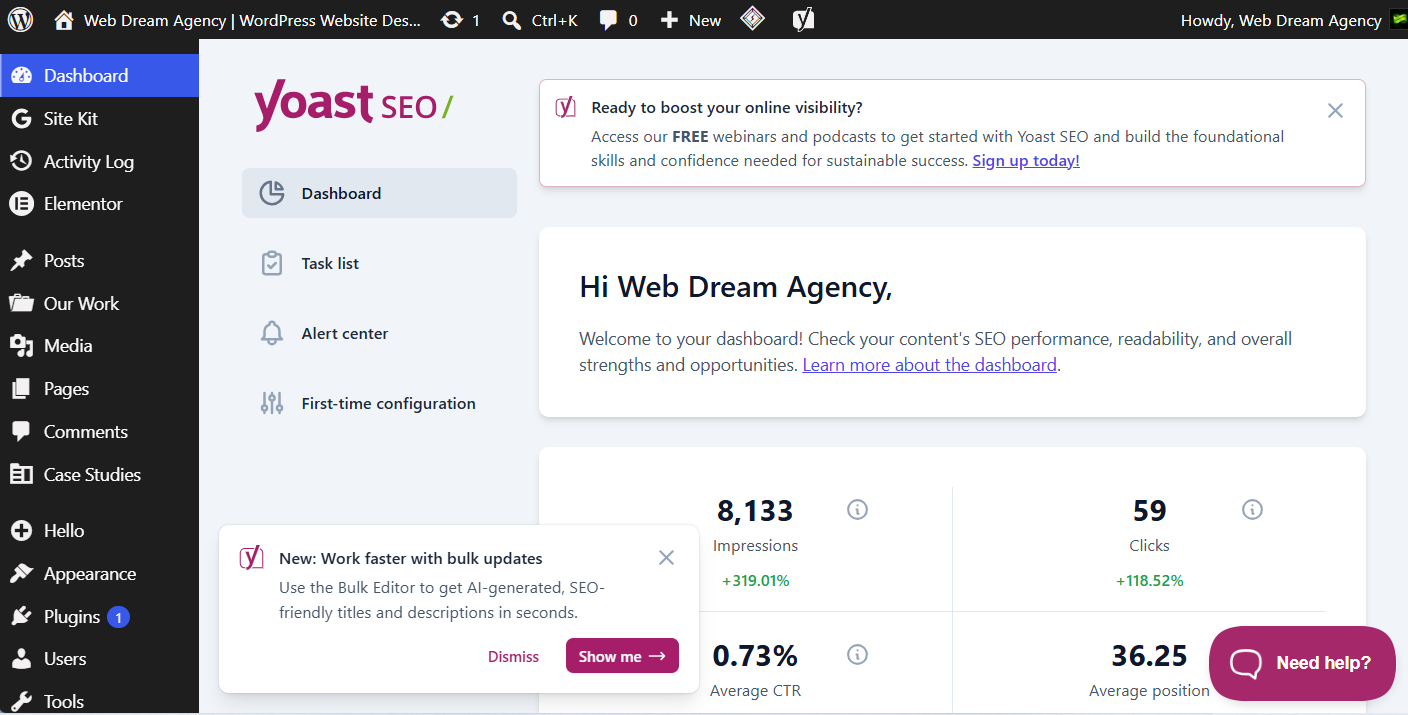
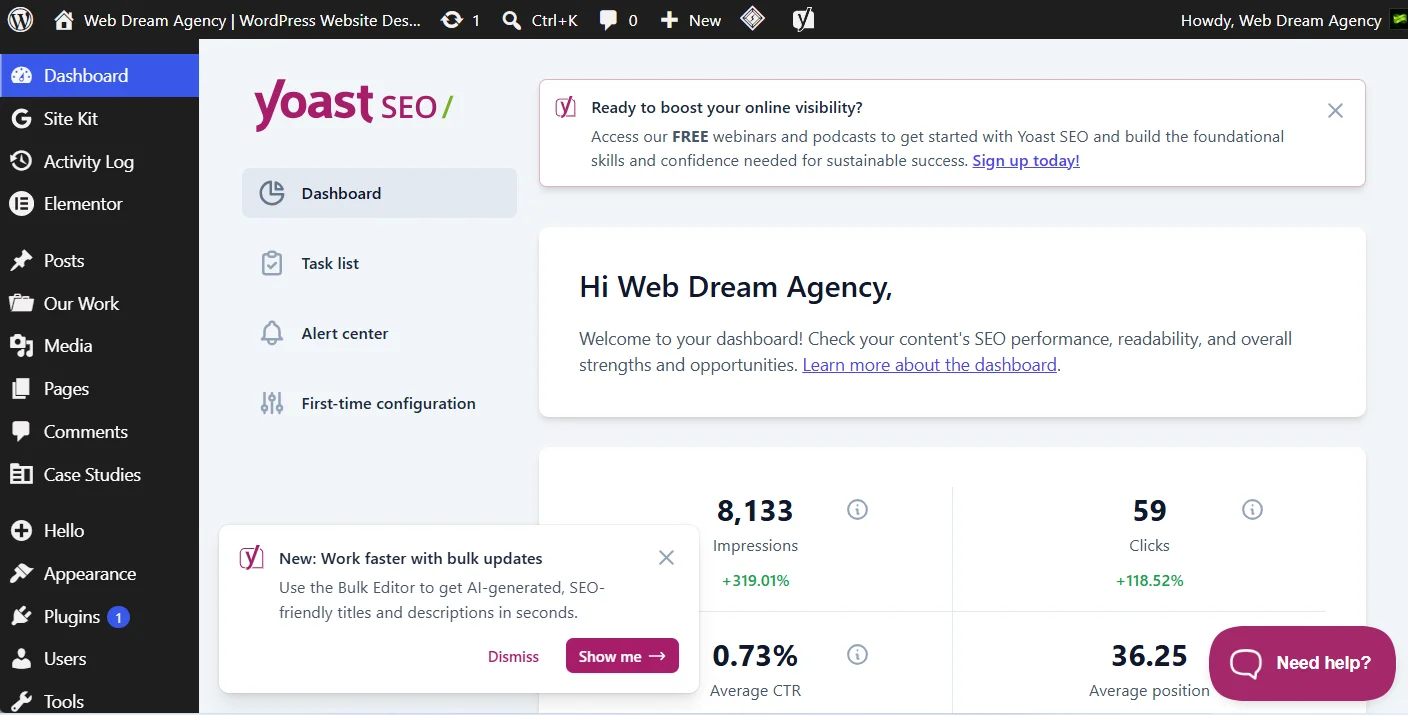
Meanwhile, Yoast SEO remains a household name in the WordPress world.
For instance, it offers a readability checker, keyword optimization suggestions, XML sitemap generation, and meta tag control, all wrapped in a beginner-friendly interface.
So, if your client or team already recognizes the name, Yoast is a safe, dependable choice. Ultimately, both Rank Math and Yoast do the same core job well, so the decision often comes down to personal preference and additional features you need.
Redirection
Additionally, broken links hurt both user experience and SEO rankings.
Fortunately, Redirection makes it simple to manage 301 redirects and monitor 404 errors directly from your dashboard.
In particular, this is especially useful during site migrations, URL restructuring, or when you delete outdated pages and want to preserve their SEO value.
Google Site Kit
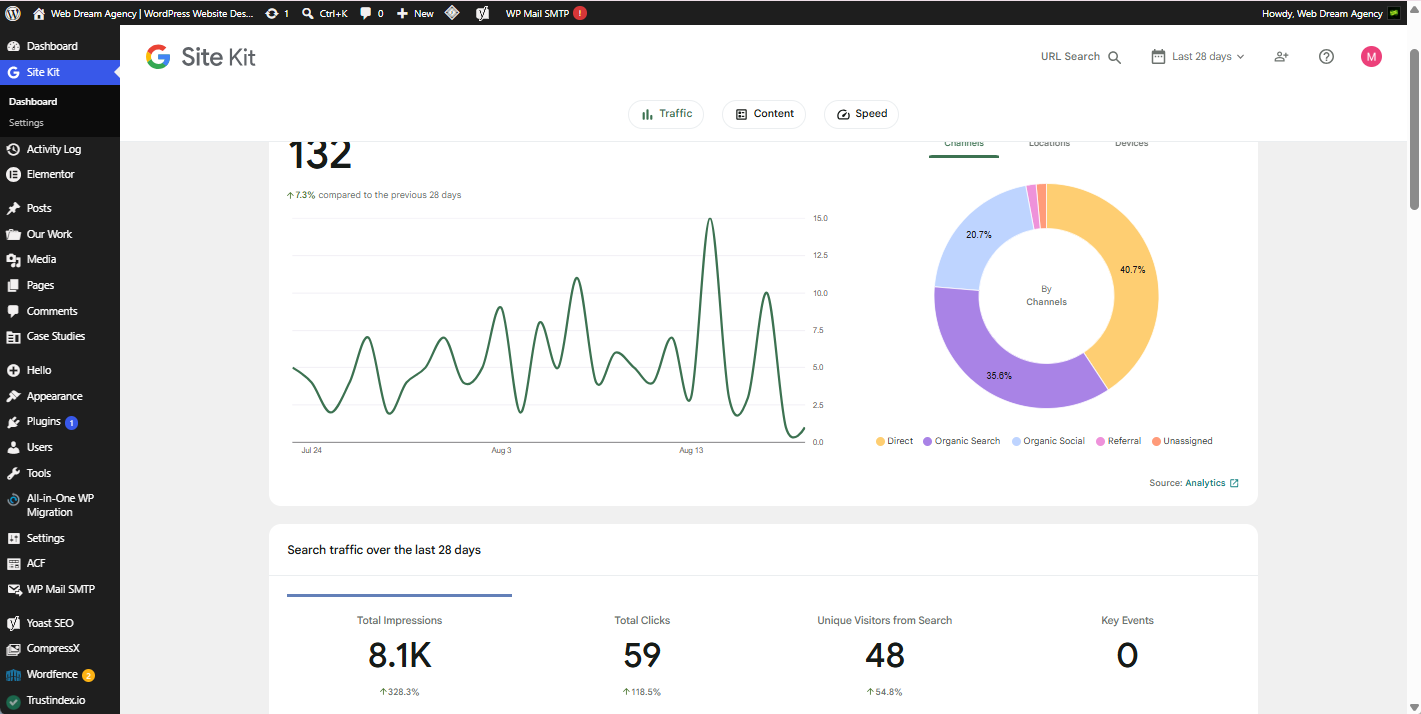
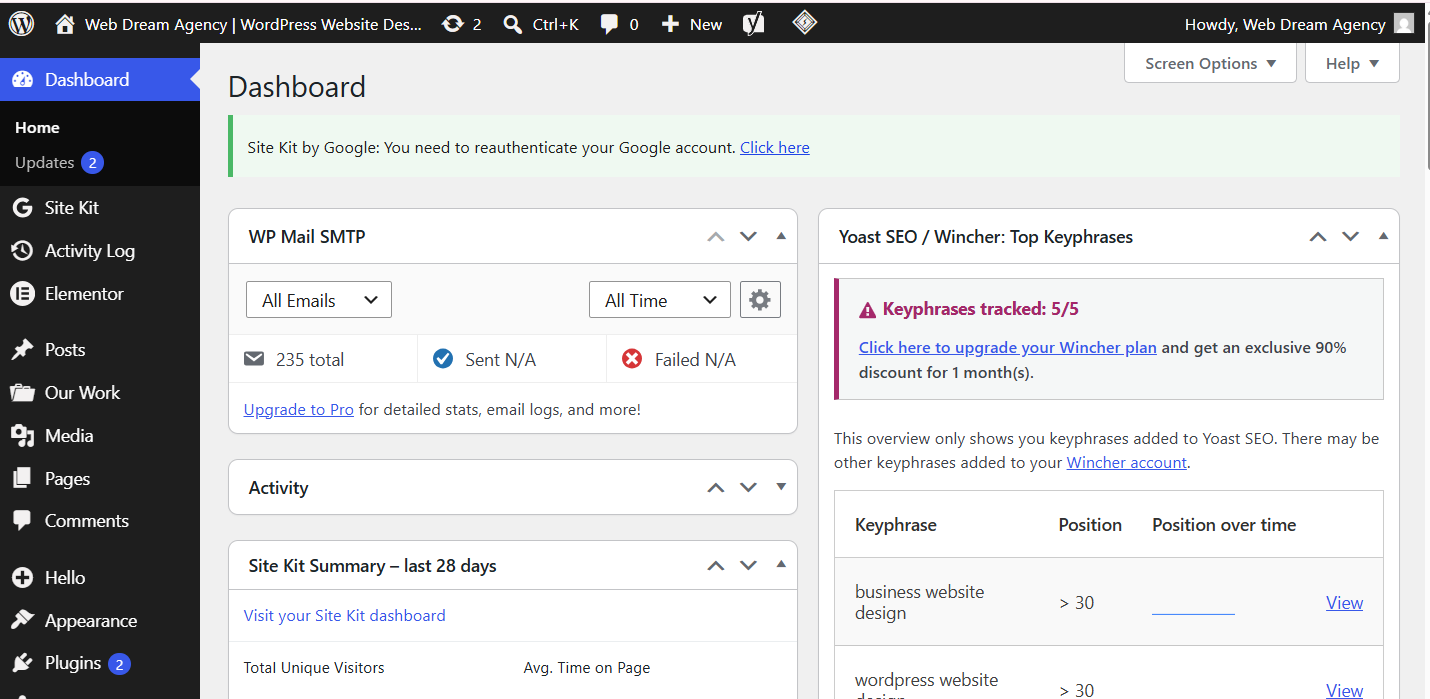
Similarly, Site Kit by Google connects Google Analytics, Search Console, PageSpeed Insights, and AdSense directly into your WordPress dashboard.
As a result, instead of jumping between four different platforms, you get a unified view of your traffic, search performance, and site speed in one place.
Consequently, for agencies managing multiple client sites, this saves a meaningful amount of time during monthly reporting.
Best Free WordPress Plugins for Design and Content
Next, once your SEO foundation is set, you need tools to actually build and manage your content.
Below, we cover the plugins that handle page building, forms, and structured data display.
Elementor: Free WordPress Page Builder Plugin
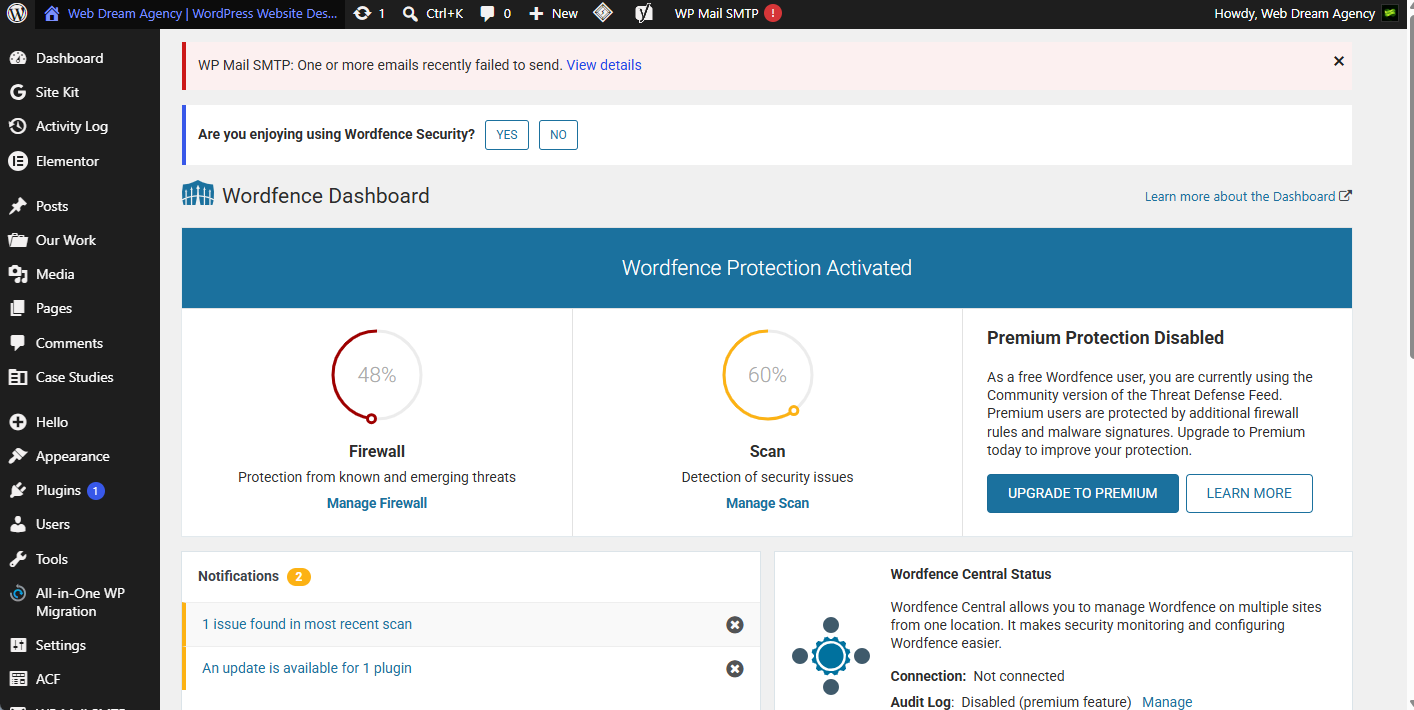
First and foremost, Elementor is, Elementor is one of the most widely used page builders in the WordPress ecosystem.
Notably, its free version already includes drag-and-drop editing, dozens of widgets, and responsive design controls, making it possible to build professional-looking pages without touching a line of code.
Therefore, for agencies working across niches like real estate, e-commerce, or healthcare, Elementor’s flexibility means you can create custom layouts tailored to each industry without needing a different tool for every project.
WPForms and Forminator
Meanwhile, contact forms are non-negotiable for any business website, since they’re often the primary way visitors reach out.
In this space, WPForms offers a clean drag-and-drop form builder with a generous free tier, while Forminator goes a step further by including polls, quizzes, and calculators alongside standard contact forms.
For example, if you need more than basic contact forms — say, an appointment request form for a medical clinic or a quote calculator for a service business — Forminator’s extra features can be genuinely useful.
TablePress
Of course, not every plugin needs to be flashy to be useful.
For instance, TablePress lets you build and manage clean, sortable data tables without writing any code.
As such, it’s a great fit for pricing tables, comparison charts, service listings, or any content that benefits from a structured, spreadsheet-style layout.
Best Free WordPress Plugins for Security and Backup
Above all, a website that isn’t secure or backed up is a liability waiting to happen.
That’s why these plugins protect your work and give you peace of mind.
Wordfence: Free WordPress Security Plugin
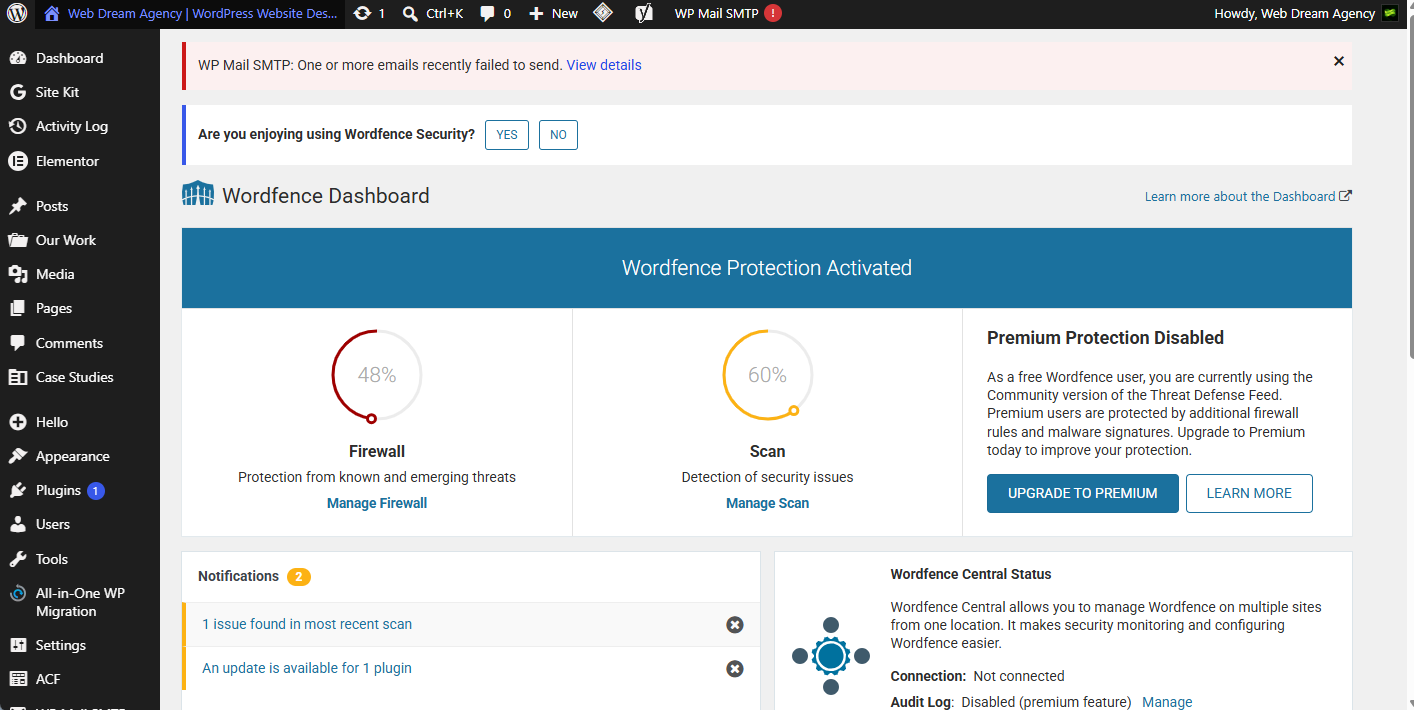
To begin, Wordfence is one of the most trusted names in WordPress security.
Specifically, its free version includes a firewall, malware scanner, and login security features like brute-force protection.
Moreover, since Wordfence maintains its own threat intelligence database, it tends to catch new vulnerabilities faster than many competitors, which matters a great deal for client sites handling sensitive information.
For a complete hardening checklist, see our WordPress security checklist.
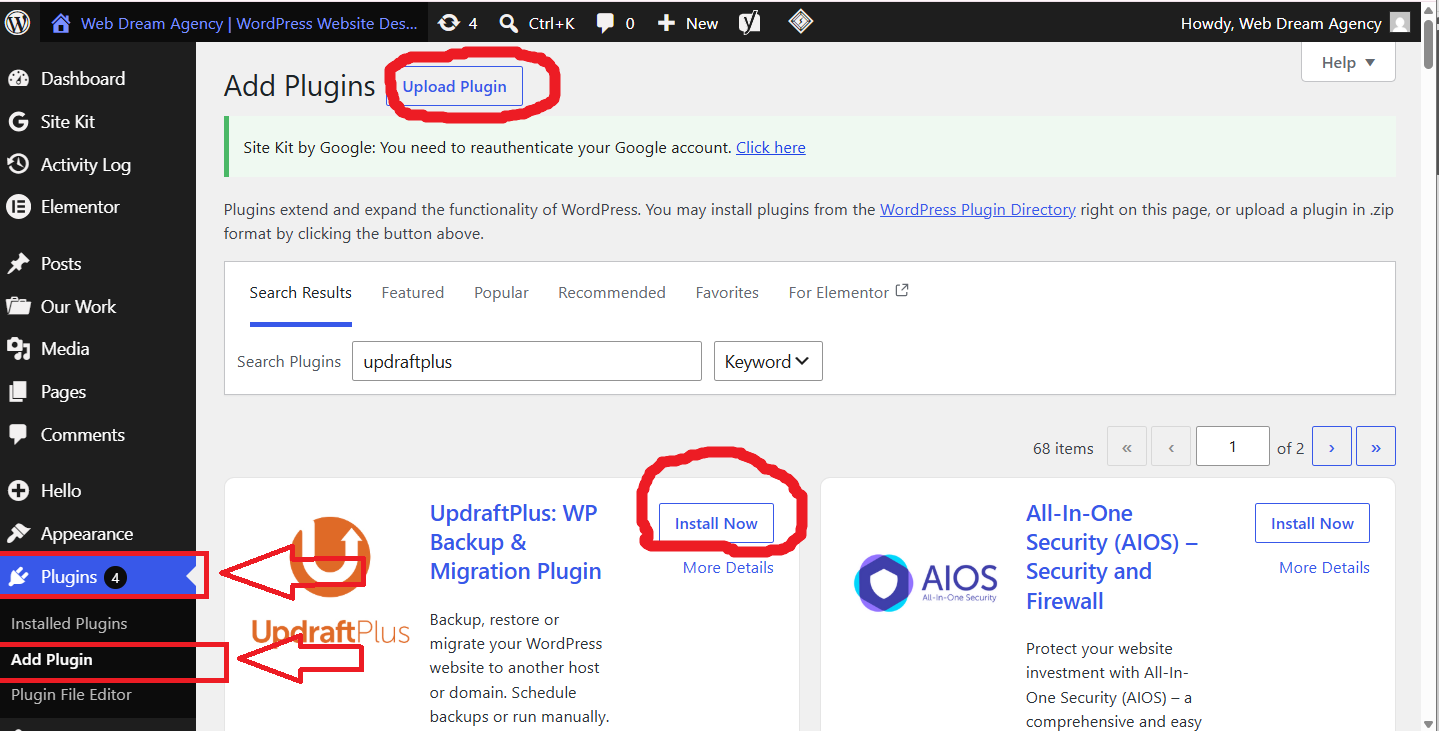
UpdraftPlus
Equally important, backups are your safety net when something goes wrong, whether that’s a failed plugin update, a hacking attempt, or simple human error.
In this regard, UpdraftPlus is the UpdraftPlus is one of the most popular WordPress backup plugins on WordPress, and its free tier allows scheduled backups to cloud storage services like Google Drive or Dropbox, along with one-click restoration.
Therefore, setting this up should honestly be one of the first things you do on any new site.
Really Simple SSL
Finally, once your SSL certificate is installed, Really Simple SSL automatically detects mixed content issues and, as a result, forces your site to load securely over HTTPS.
In other words, this small plugin solves a surprisingly common problem where sites show a “not secure” warning even after SSL is technically installed.
Best Free WordPress Plugins for Speed and Performance
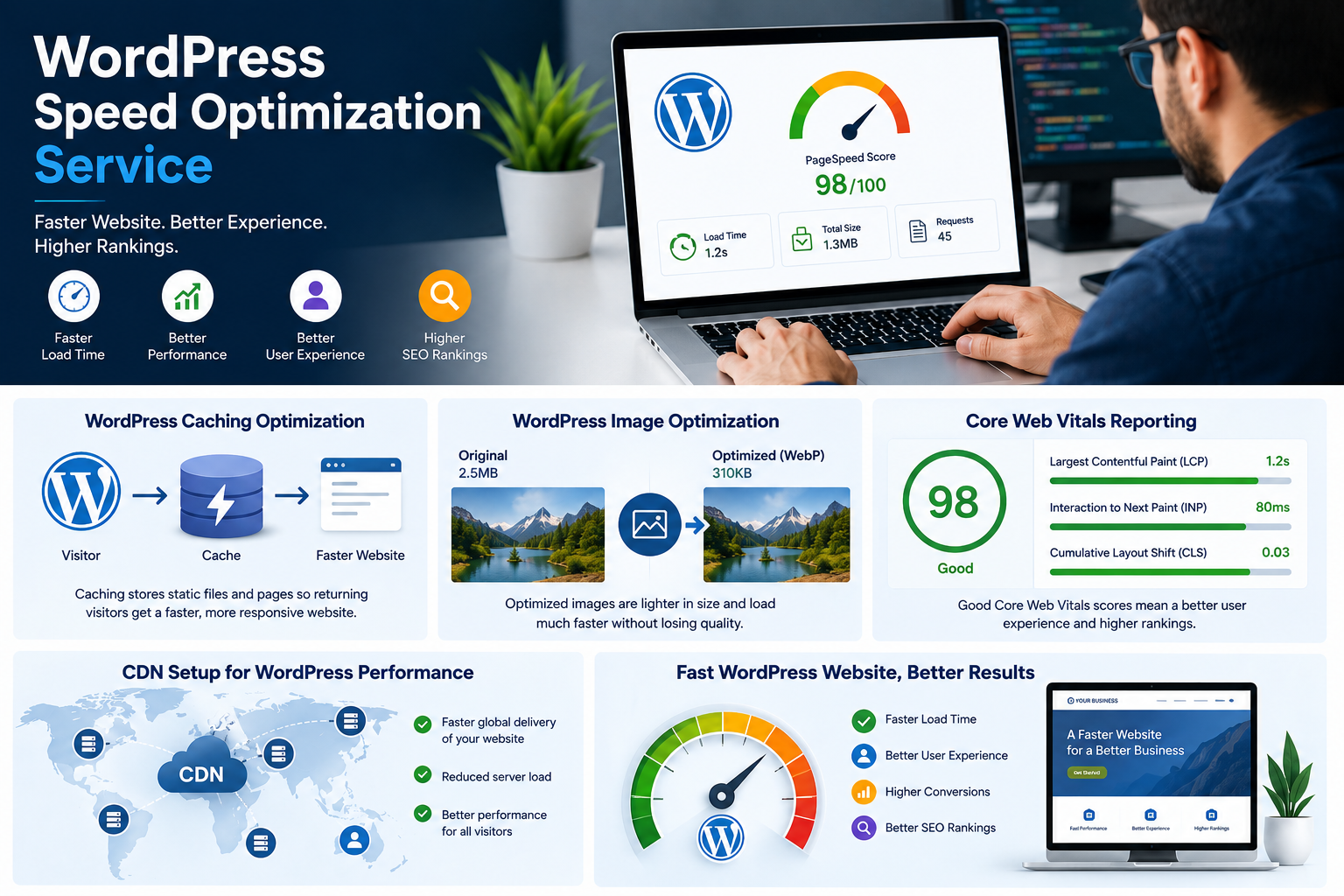
Lastly, site speed directly affects both user experience and search rankings, since Google has confirmed that page speed is a ranking factor.
Below, we tackle the two biggest speed killers: unoptimized images and uncached pages.
Smush: Free WordPress Plugin for Image Optimization
To start, large, uncompressed images are one of the most common causes of slow-loading websites.
Fortunately, Smush automatically compresses images on upload without any noticeable loss in quality, and it can also resize oversized images and enable lazy loading.
As a result, for portfolio sites or any business showcasing visual work, this plugin alone can make a significant difference in load times.
For step-by-step compression settings, check our WordPress image optimization guide.
WP Super Cache: Free WordPress Caching Plugin
Similarly, WP Super Cache generates static HTML versions of your pages, which reduces server load and speeds up delivery to visitors.
Overall, it’s straightforward to set up and works well for most standard WordPress sites, though if your host supports LiteSpeed, LiteSpeed Cache is worth considering as an alternative since it integrates more deeply with that server environment.
For a deeper dive into choosing and configuring a caching plugin, see our WordPress cache plugin guide.
Quick Comparison: Best Free WordPress Plugins by Category
| Category | Plugin | Best For | Key Free Feature |
|---|---|---|---|
| SEO | Rank Math | All-around SEO + schema | Built-in LocalBusiness schema |
| SEO | Yoast SEO | Beginner-friendly SEO | Readability checker |
| Design | Elementor | Custom page layouts | Drag-and-drop builder |
| Forms | WPForms | Simple contact forms | Clean drag-and-drop editor |
| Forms | Forminator | Interactive forms | Polls, quizzes, calculators |
| Security | Wordfence | Firewall + malware scan | Real-time threat intelligence |
| Backup | UpdraftPlus | Automated backups | One-click restore |
| Speed | Smush | Image optimization | Auto-compression on upload |
| Speed | WP Super Cache | Page caching | Static HTML generation |
Rank Math vs. Yoast SEO: Side-by-Side
| Feature | Rank Math (Free) | Yoast SEO (Free) |
|---|---|---|
| Schema markup | Built-in, multiple types | Basic schema only |
| Focus keywords per page | Multiple | One |
| Google Search Console integration | Yes | No |
| Redirection manager | Built-in | Requires separate plugin |
| Brand recognition | Growing | Well-established |
Recommended Plugin Stack by Website Type
| Website Type | SEO | Design | Forms | Security |
|---|---|---|---|---|
| Medical clinic | Rank Math | Elementor | Forminator (appointments) | Wordfence |
| E-commerce | Yoast SEO | Elementor | WPForms | Wordfence |
| Real estate | Rank Math | Elementor | WPForms | Wordfence |
| Portfolio | Yoast SEO | Elementor | WPForms | Wordfence |
Building Your Free WordPress Plugin Stack: A Few Best Practices
Now that you have a solid list to choose from, keep the following practices in mind as you build out your site. For an ongoing schedule to keep everything running smoothly after setup, see our WordPress maintenance checklist:
- Avoid duplicate functionality. Specifically, running two SEO plugins or two caching plugins at once often causes conflicts rather than added benefits, so pick one from each category.
- Update regularly. After all, outdated plugins are one of the leading causes of WordPress security breaches, so keep everything current.
- Test before going live. In particular, always test new plugins on a staging site first, especially page builders and caching tools, since these can occasionally conflict with your theme.
- Deactivate what you don’t use. Indeed, Remove plugins you no longer use to reduce maintenance and potential security risks, so if you’re not using it, remove it entirely rather than just deactivating it.
Final Thoughts
In short, building a fast, secure, and search-optimized WordPress website doesn’t require a big budget.
Indeed, with the right combination of some of the best free WordPress plugins — Rank Math or Yoast for SEO, Elementor for design, WPForms or Forminator for forms, Wordfence and UpdraftPlus for security, and Smush with WP Super Cache for speed — you can cover nearly every essential function a modern website needs.
That said, the “best” plugin stack ultimately depends on what kind of site you’re building.
For instance, a medical clinic website has different priorities than an e-commerce store or a real estate portfolio, so it’s worth tailoring your selection to your specific goals rather than installing everything at once.
Overall, if you’re not sure where to start, begin with one plugin per category, test it thoroughly, and expand from there as your site’s needs grow.
Frequently Asked Questions
SEO and Marketing FAQs
1. What are the best free WordPress plugins overall? In short, the best free WordPress plugins cover five core needs: SEO (Rank Math or Yoast), design (Elementor), forms (WPForms or Forminator), security (Wordfence), and performance (Smush, WP Super Cache). Together, these cover the essentials most sites need.
2. Is Rank Math really better than Yoast SEO? To be fair, Rank Math’s free version includes more built-in features, such as schema markup and multiple keyword tracking, than Yoast’s free tier. That said, Yoast is more widely recognized and equally reliable, so the “better” choice often comes down to personal preference.
3. Do I need both an SEO plugin and Google Site Kit? Yes, and they serve different purposes. Specifically, an SEO plugin optimizes your on-page content and technical SEO, while Site Kit connects your dashboard to Google Analytics and Search Console for tracking performance data.
Design and Forms FAQs
4. Is Elementor free version enough for a business website? In most cases, the free version of Elementor is sufficient for small to medium business websites. However, the Pro version adds advanced widgets, theme building, and popup builders, which are useful for more complex or highly customized sites.
5. Can I use two page builders at once? No, since running two page builders simultaneously usually causes conflicts, bloated code, and inconsistent styling. Therefore, stick to one page builder for the entire site.
6. Which is better, WPForms or Forminator? In general, WPForms is simpler and more focused purely on forms, while Forminator adds extra features like polls, quizzes, and calculators. Overall, choose WPForms for straightforward contact forms and Forminator if you need more interactive functionality.
Security and Backup FAQs
7. Is Wordfence enough security for a WordPress site? For most sites, Wordfence’s free firewall and malware scanner cover common threats and form a strong baseline. However, combining it with strong passwords, two-factor authentication, and regular updates gives you more complete protection.
8. How often should I back up my WordPress site? Generally, daily backups are recommended for most business sites, especially if content changes frequently. Fortunately, UpdraftPlus lets you schedule automatic backups so you don’t have to remember to do it manually.
9. Do I really need an SSL plugin if I already installed an SSL certificate? Not necessarily, but Really Simple SSL helps automatically fix mixed content warnings that can occur even after SSL installation, saving you from manually editing site URLs.
Speed and Performance FAQs
10. What’s the difference between Smush and WP Super Cache? Essentially, Smush compresses and optimizes images, while WP Super Cache generates static versions of your pages to reduce server load. Together, they solve different performance problems and work well together.
11. Will too many plugins slow down my website? Indeed, each additional plugin adds some load time and potential conflicts. Therefore, it’s best to only install plugins you actively need and to avoid overlapping functionality between them.
12. Are free WordPress plugins safe to use? Generally, plugins from the official WordPress.org repository go through a review process and are safe, especially those with large install bases and frequent updates. Still, always check a plugin’s last update date and reviews before installing.
General Plugin Management FAQs
13. What plugins does a medical clinic website need? Typically, a clinic website benefits from Rank Math for local SEO, WPForms or Forminator for appointment requests, Wordfence for security, and a review-display plugin to showcase Google reviews and build trust.
14. Can I switch from Yoast to Rank Math later without losing SEO data? Fortunately, yes — Rank Math has a built-in importer that transfers your meta titles, descriptions, and focus keywords from Yoast, so switching later is generally safe.
15. Do free plugins get regular updates? Generally, most popular free plugins like the ones listed here are actively maintained, often with more frequent updates than smaller, less-used plugins. Still, always check the “last updated” date on the plugin page before installing.
16. Is LiteSpeed Cache better than WP Super Cache? In general, LiteSpeed Cache performs better, but only if your hosting provider uses LiteSpeed server technology. Otherwise, WP Super Cache remains a solid and compatible alternative.
More Plugin Questions Answered
17. Which plugin should I install first on a new WordPress site? Ideally, a good starting order is: security plugin, backup plugin, then SEO plugin, followed by a page builder and forms plugin as you build out content.
18. Can I use TablePress without any coding knowledge? Yes, TablePress is designed for non-technical users, so it lets you create and edit tables using a simple spreadsheet-style interface.
19. Do these plugins work with any WordPress theme? For the most part, the plugins listed are theme-independent and work with the vast majority of WordPress themes. However, it’s always good practice to test on a staging site first, particularly with page builders.